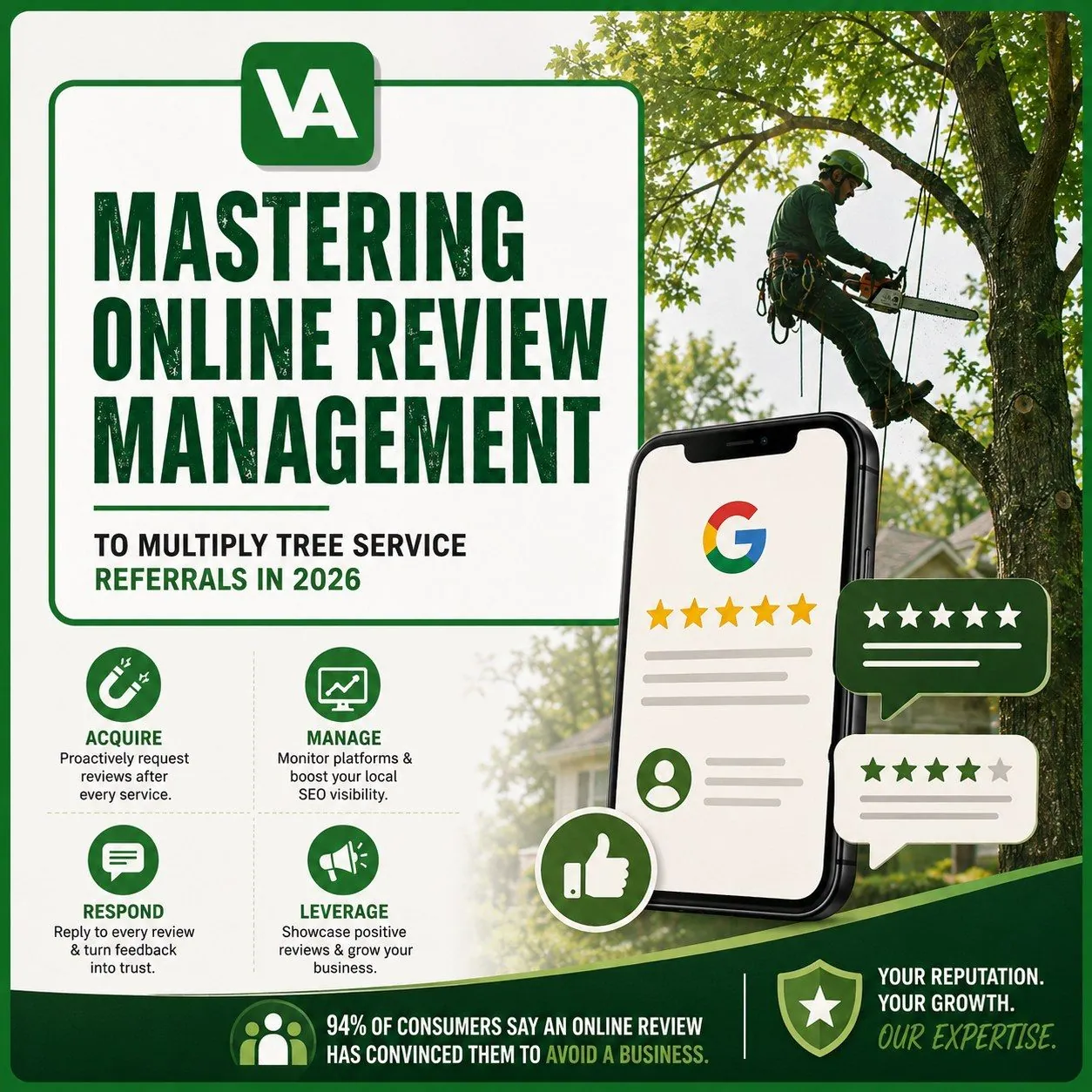
To get verified customer reviews that boost tree service leads, focus on platforms homeowners trust for local hiring decisions, ask at the moment of maximum satisfaction (after cleanup), and use a simple, trackable review request system that routes customers to the right review link and follows up once. Google’s Business Profile guidance and review policies emphasize accurate business representation and prohibit review gating and incentives on Google, so the safest path is to make leaving a review effortless, not “rewarded.”
Table of contents
- What “verified reviews” actually means in 2026
- Where verified reviews matter most for tree service leads
- The review request system that consistently works
- The exact scripts to ask for reviews
- How to increase review quality without breaking policies
- What to do when a review is negative
- How to display reviews on your website (properly)
- A 7-day review growth plan
- FAQs
- SEO bundle and schema
1. What “verified reviews” actually means in 2026
There is no single universal “verified” standard across the internet. In practice, “verified” usually means:
- The platform has mechanisms to reduce spam or fake reviews
- The review is tied to a user account and subject to platform policies
- In some cases, the platform labels reviews as coming from verified transactions or verified profiles
For home services, what matters is not the label. What matters is that the reviews are on trusted platforms and can be easily checked by homeowners.
2. Where verified reviews matter most for tree service leads
Prioritize review collection on platforms that influence local choice.
Priority 1: Google Business Profile reviews
This is where most “near me” customers validate you. Google’s Business Profile help center explains how reviews work and how businesses should interact with them.
Priority 2: Nextdoor recommendations (if your area uses it)
Nextdoor is neighborhood trust-driven and can influence local hiring decisions for home services.
Priority 3: Facebook recommendations
This works well when your customers are community-driven and share recommendations in local groups.
Optional: BBB, Yelp, Angi, HomeAdvisor, Thumbtack
These can be strong depending on your market, but do not spread yourself too thin. Pick two or three primary platforms and dominate them.
3. The review request system that consistently works
A review system needs to be operational, not “we should ask more.”
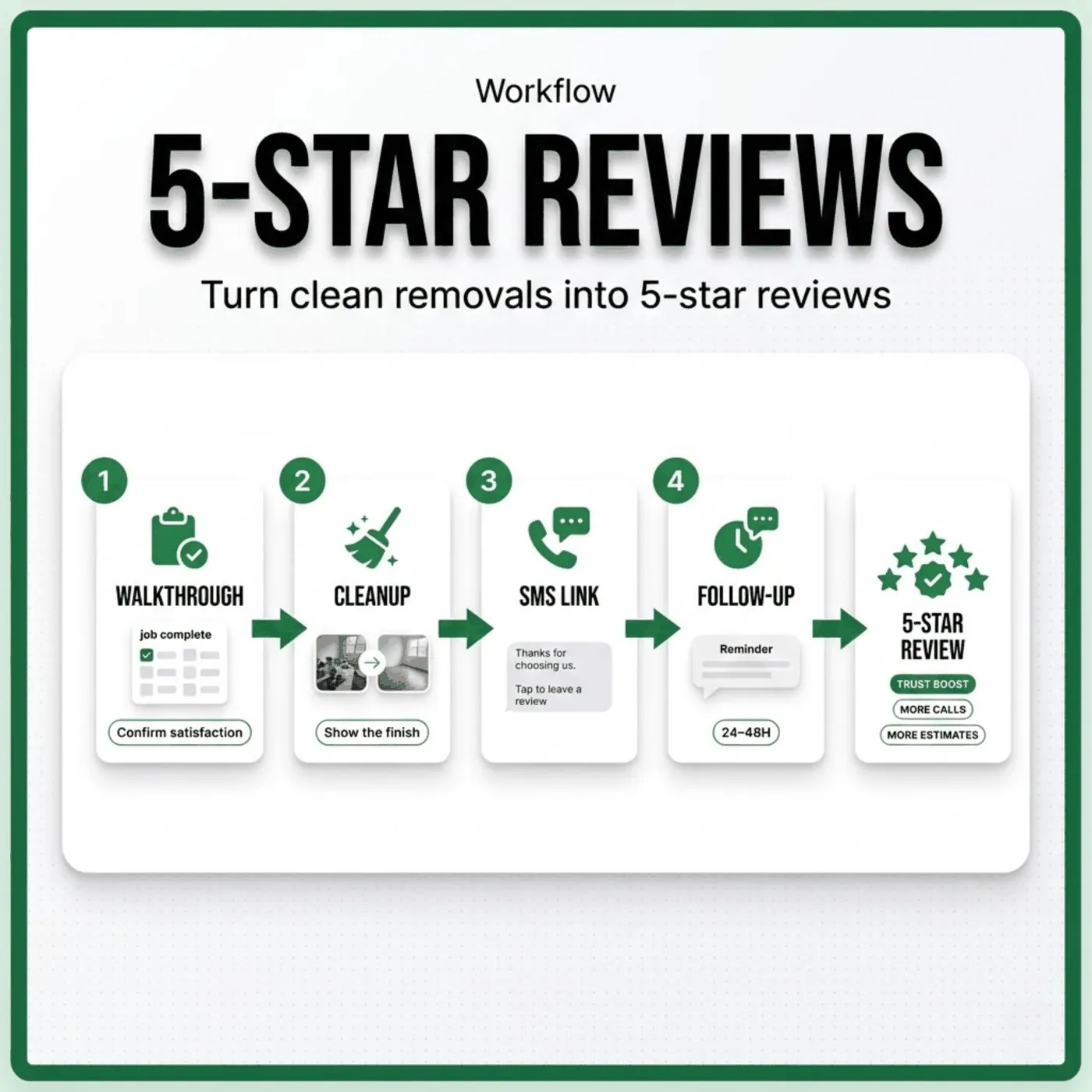
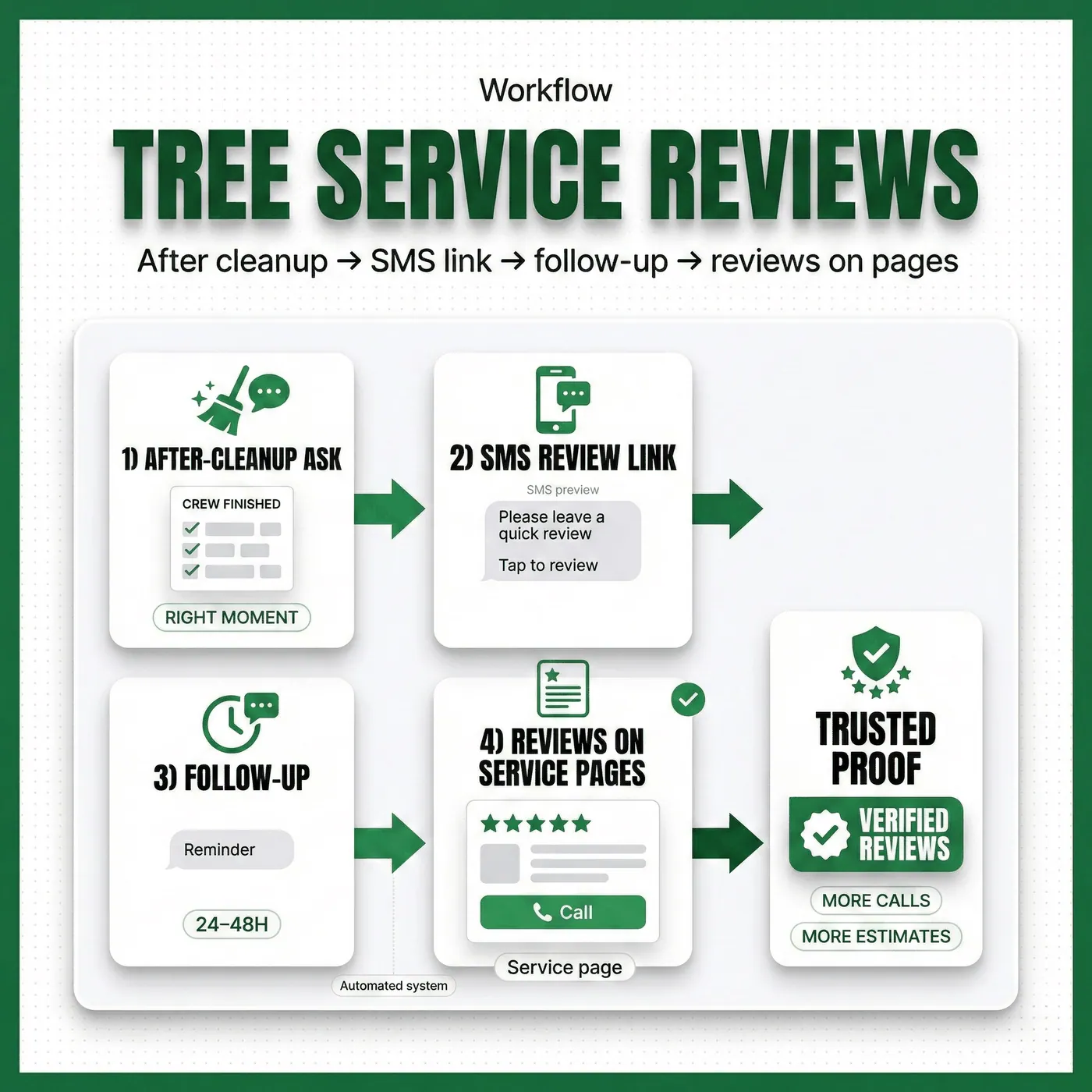
The workflow
- Complete the job and cleanup
- Confirm satisfaction on-site
- Send the review link within 30 minutes
- Follow up once after 48–72 hours if no review
- Respond to every review (positive and negative)
This creates consistency and volume without pestering customers.
The tools you can use
- Your CRM or job management app (Jobber, Housecall Pro, ServiceTitan)
- A simple email/SMS tool
- A QR code card that links to your Google review URL
The software is less important than doing the same workflow every single time.
4. The exact scripts to ask for reviews
Use language that feels normal for tree work: safety, cleanup, trust.
On-site script (after cleanup)
“If everything looks good and you’re happy with the cleanup, would you be willing to leave us a quick Google review? It helps local homeowners feel safe choosing us. I’ll text you the link.”
SMS script (send within 30 minutes)
“Thanks again for today. If you have 30 seconds, here’s the review link. It really helps local homeowners find a safe, reliable tree crew: [link]”
Follow-up script (48–72 hours)
“Quick follow-up. If you meant to leave a review but got busy, here’s the link again: [link]. Thank you either way.”
These scripts work because they are:
- short
- specific
- tied to homeowner trust
5. How to increase review quality without breaking policies
The temptation is to “coach” reviews. Don’t.
Do this instead:
- Ask customers to mention what mattered: safety, cleanup, punctuality, communication
- Ask for photos only if they are comfortable
- Make it easy with a direct link
Do not:
- offer incentives for Google reviews
- ask only happy customers to review and hide unhappy ones (“review gating”)
Google’s published policies and guidance prohibit incentivized reviews and manipulative practices on Google.
6. What to do when a review is negative
A negative review is not a disaster. Silence is.
Your response should:
- acknowledge their experience
- state you take it seriously
- offer a direct path to resolve offline
- avoid arguing publicly
Template:
“Thank you for the feedback. We take safety and service standards seriously. Please contact us at [phone/email] so we can review what happened and make it right.”
Then fix the operational issue that caused it.
7. How to display reviews on your website properly
Reviews boost leads when they are visible at decision points.
Best placements:
- Top of service pages (removal, trimming, emergency)
- Near the estimate form
- On the homepage above the fold
- On a dedicated testimonials page
If you embed or display reviews, do it in a way that doesn’t misrepresent them and respects platform rules. Structured data can support how Google understands your site, but do not mark up content that isn’t actually on the page.
8. A 7-day review growth plan
Day 1: Create your review links
- Google review link
- Nextdoor or Facebook link (optional secondary)
Day 2: Train your team
Everyone uses the same ask-after-cleanup script.
Day 3: Add review prompts to your workflow
- After-job SMS/email template
- One follow-up template
Day 4: Put a QR code in your truck
Simple card: “Review our work” + QR code.
Day 5: Add reviews to key pages
Homepage + top service pages.
Day 6: Respond to all existing reviews
This signals professionalism to homeowners.
Day 7: Start tracking weekly
- jobs completed
- review asks sent
- reviews received
- average rating
- leads mentioning reviews
FAQs
How many reviews do I need to see more leads?
It depends on your market competition, but consistency matters more than a single spike. A steady flow of recent reviews builds trust.
Should I ask for reviews by text or email?
Text is usually best for home services because it is immediate and mobile-first.
Can I offer a discount for leaving a review?
Avoid incentives for Google reviews. Google policies discourage incentivized or manipulated reviews.
What if a customer says they’re not good with technology?
Hand them a QR code card or ask if they want you to resend the link later.
Should I respond to every review?
Yes. It shows future customers you are professional and attentive.
Can reviews improve local search visibility?
Reviews influence trust and conversion strongly, and are widely understood to be part of local search ecosystem signals, especially in Google Business Profile environments.